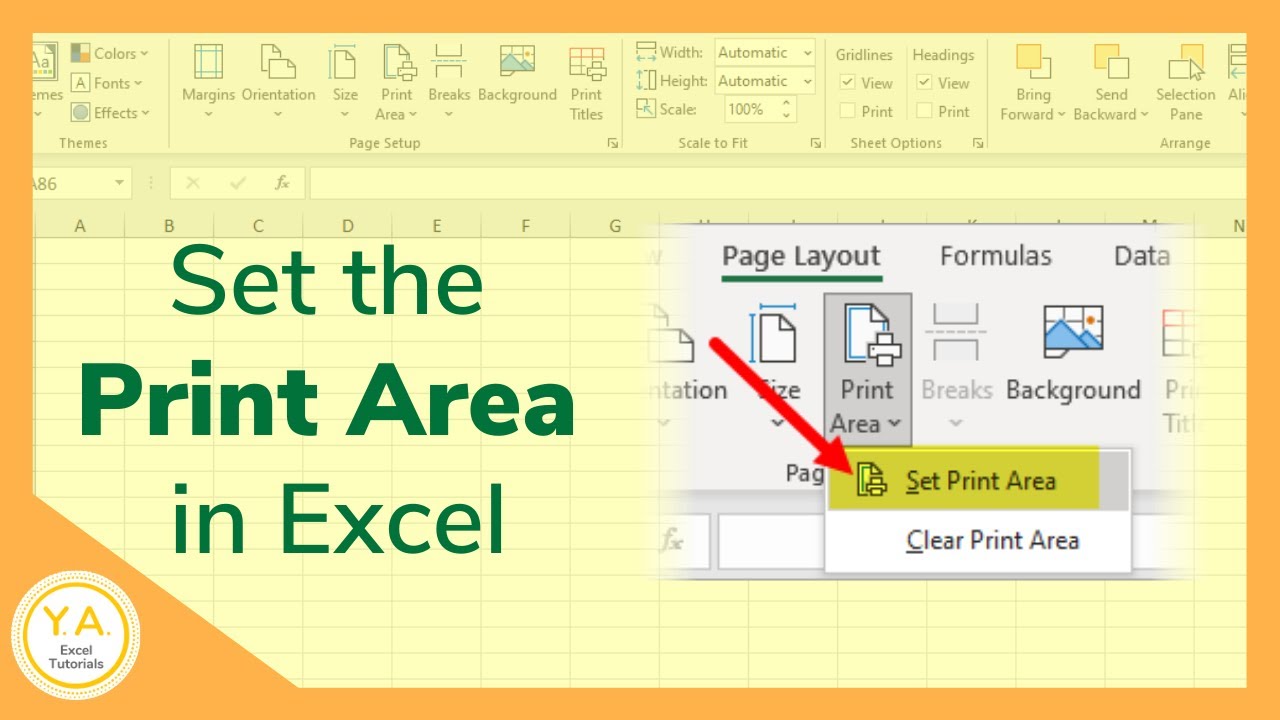
How to Show Printable Area in Excel: A Step-by-Step Guide
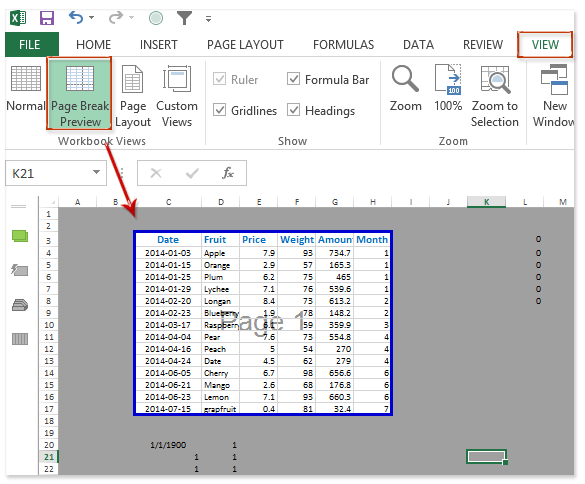
Understanding the Importance of Printable Area
To show the printable area in Excel, follow these steps: select the range of cells you want to print, go to the 'Page Layout' tab, click on the 'Print Area' button, and select 'Set Print Area'. You can also use the 'Print Preview' feature to see how your worksheet will look when printed. By following these simple steps, you can easily show the printable area in Excel and print your spreadsheets with confidence.