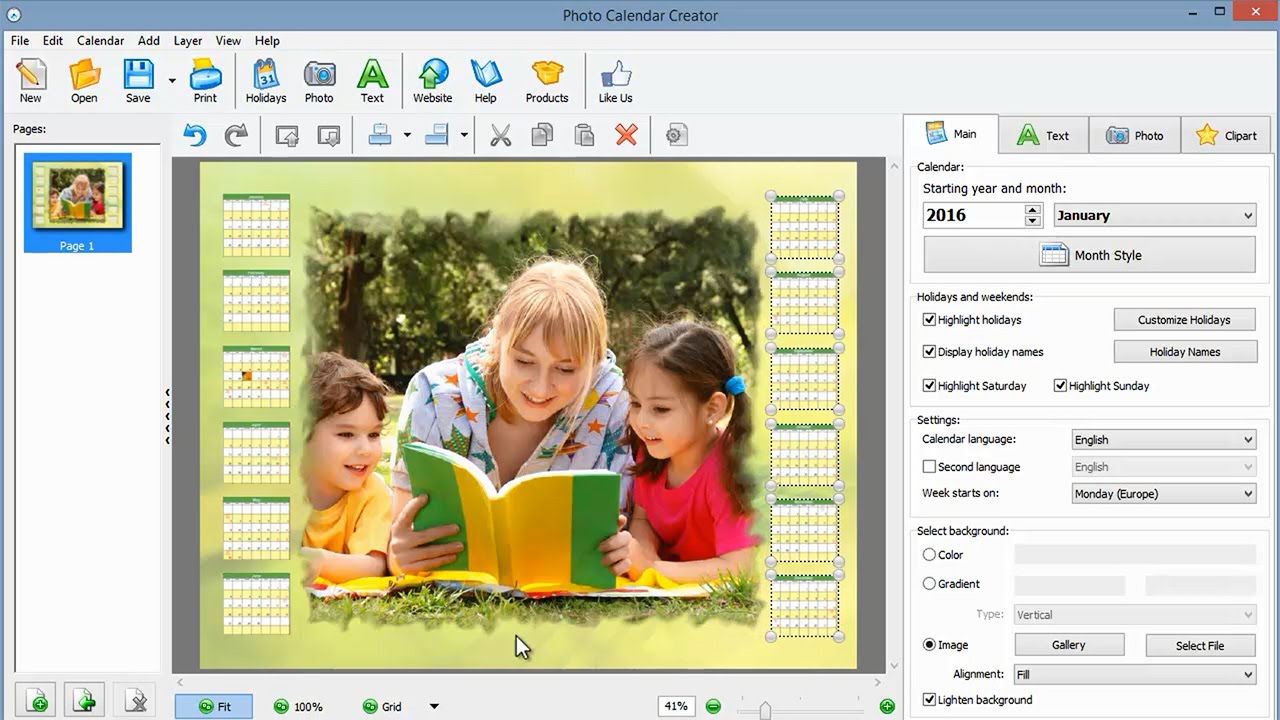
Best Calendar Design Software for Creating Stunning Calendars
What to Look for in Calendar Design Software
When it comes to creating a calendar, the design is just as important as the content. A well-designed calendar can make a great impression and help you stay organized throughout the year. With so many calendar design software options available, it can be overwhelming to choose the right one. In this article, we'll explore the best calendar design software to help you create stunning calendars with ease.
A good calendar design software should have a user-friendly interface, a wide range of templates and customization options, and the ability to export your calendar in various formats. It should also be compatible with your device and operating system. Some software may also offer additional features such as collaboration tools, reminders, and integration with other apps.
Top Calendar Design Software Options
When selecting a calendar design software, consider the level of design expertise you have and the type of calendar you want to create. If you're a beginner, look for software with a drag-and-drop interface and pre-made templates. If you're more experienced, you may want software with advanced features such as layering and effects. You should also consider the cost of the software and whether it offers a free trial or subscription-based model.
Some of the top calendar design software options include Adobe InDesign, Canva, and Microsoft Publisher. These software options offer a range of features and templates to help you create professional-looking calendars. Adobe InDesign is a popular choice among designers, while Canva is great for beginners and non-designers. Microsoft Publisher is a versatile option that offers a range of templates and design tools. Ultimately, the best calendar design software for you will depend on your specific needs and design goals.